How to Fix the Windows Taskbar Not Working

Fix a Windows taskbar that freezes, disappears, or stops responding. Follow simple steps to restore the Start button, icons, and desktop controls on your PC.

Your source for computer guidance
Fix a Windows taskbar that freezes, disappears, or stops responding. Follow simple steps to restore the Start button, icons, and desktop controls on your PC.
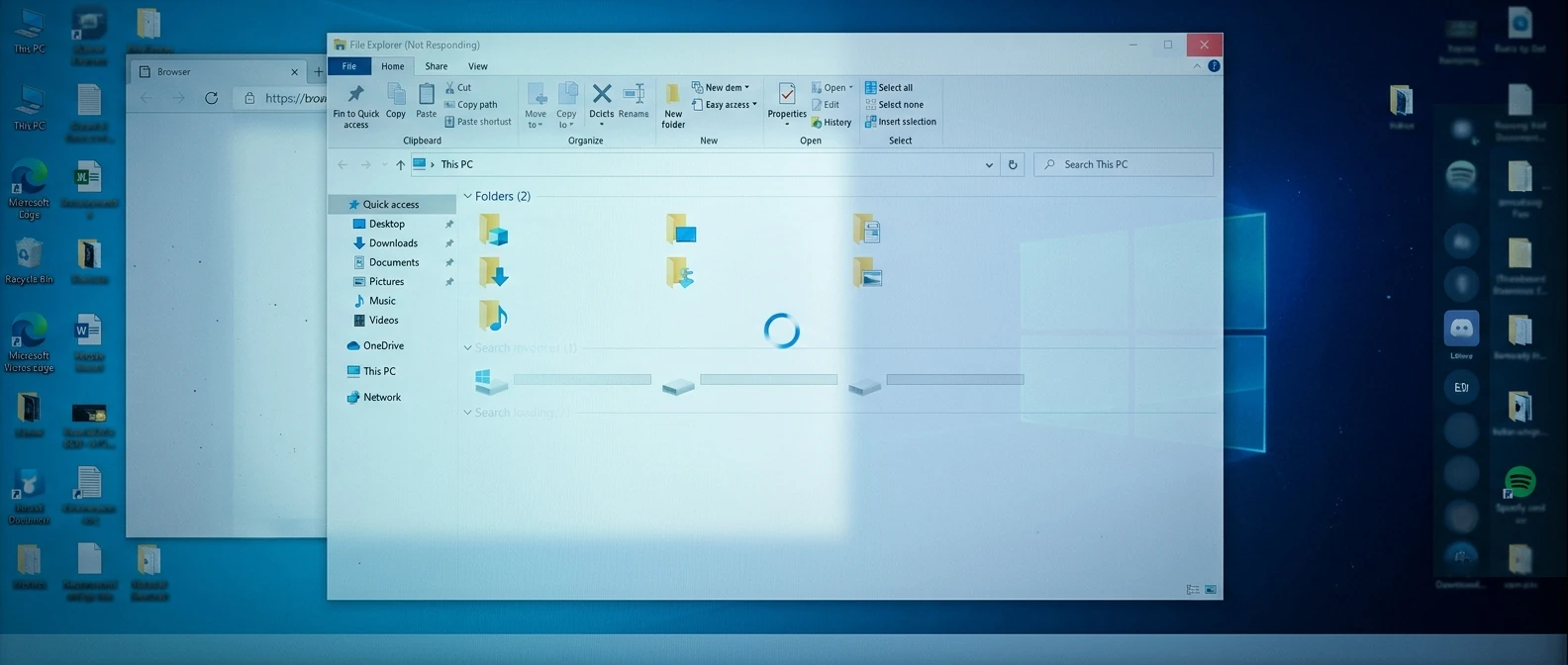
Fix Windows File Explorer when it freezes, crashes, or stops responding. Follow easy steps to troubleshoot slow folders and restore normal file browsing.
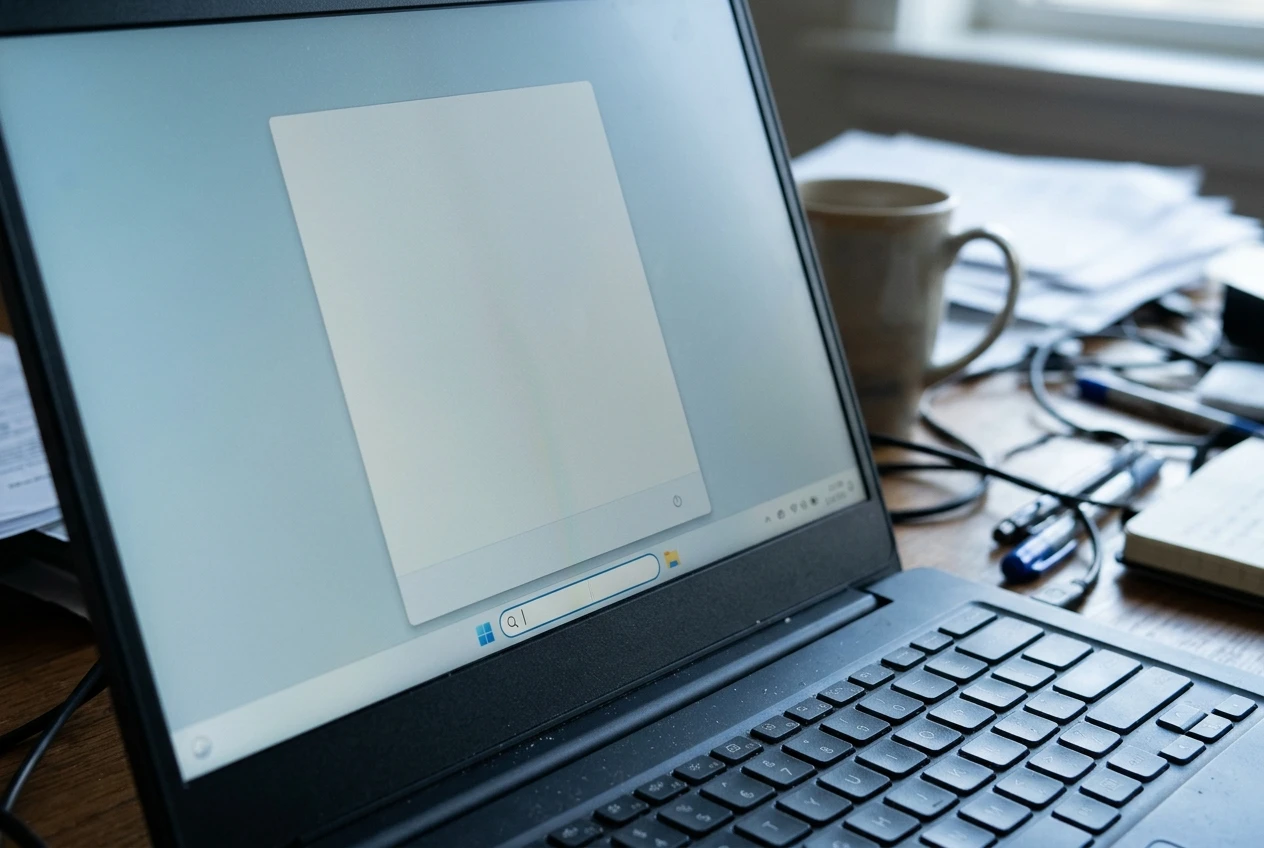
Windows Search not working? Follow this beginner-friendly guide to fix search problems, rebuild the index, and get Windows Search working again step by step.
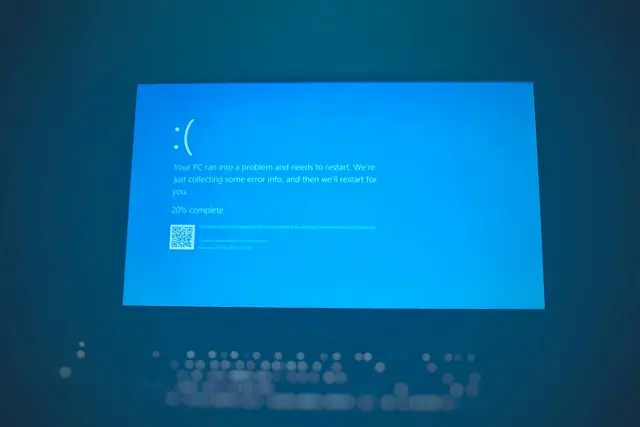
Have you ever been using your computer when Windows suddenly displays a blue screen and restarts? It can be alarming, especially if you have never encountered the problem before. A blue screen error, sometimes called a Blue Screen of Death (BSOD), occurs when Windows encounters a serious problem that prevents it from continuing to run […]

Few things are more frustrating than sitting down to watch a video, join a meeting, or listen to music and discovering that your computer has no sound.
How To Fix Startup Failures And Boot Problems Introduction Few computer problems are more frustrating than pressing the power button and discovering that Windows won’t start normally. Maybe your computer gets stuck on the Windows logo, shows a black screen, repeatedly restarts, displays an error message, or opens Automatic Repair without successfully starting Windows. The […]
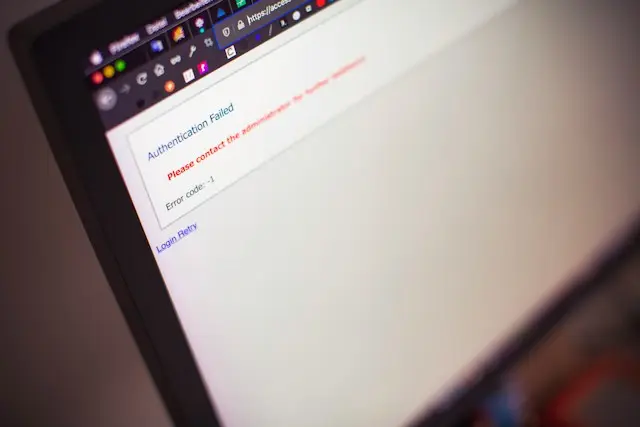
How To Fix Windows Apps That Won’t Open Have you ever clicked an app on your Windows computer and nothing happened? Maybe the app opens for a second and then disappears. Perhaps you see an error message, or the app simply refuses to start. This can be frustrating, especially when you need the app to […]
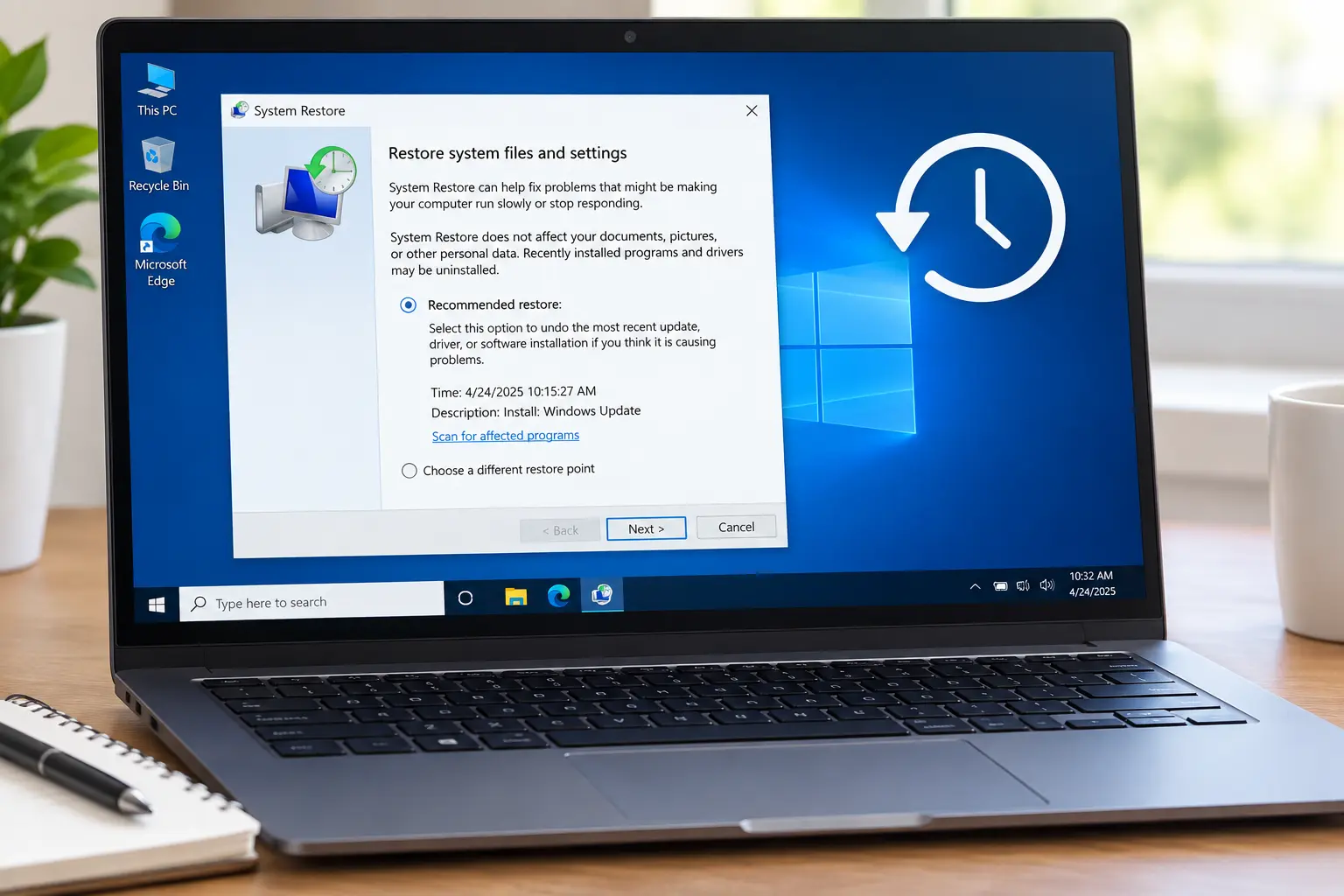
How To Use System Restore In Windows Have you ever installed a program or driver and then noticed that something went wrong with Windows? Maybe your computer started acting strangely, a program stopped working, or Windows began having problems after a recent change. In situations like these, System Restore may be able to help. System […]

How To Fix Windows Update Problems Windows updates are important for keeping your computer secure and running properly, but sometimes they don’t install the way they should. You might see an update that refuses to install, a download that gets stuck, an error message, or Windows repeatedly asking you to restart your computer. Fortunately, many […]

How To Troubleshoot Common Windows Problems When your Windows PC starts acting strangely, it can be difficult to know where to begin. Maybe an application won’t open, Windows is running slowly, your computer keeps freezing, or something that worked yesterday suddenly stopped working. The good news is that many common Windows problems can be fixed […]